Dominate Search Results with Google Advertising and SEO
Maximize Your Online Visibility and Drive Targeted Traffic
We create high-impact social media campaigns that drive real results. Our approach ensures every aspect of your campaign is optimized for success.

Google Business Partner
Managing over $2.5 million in ad spend per month
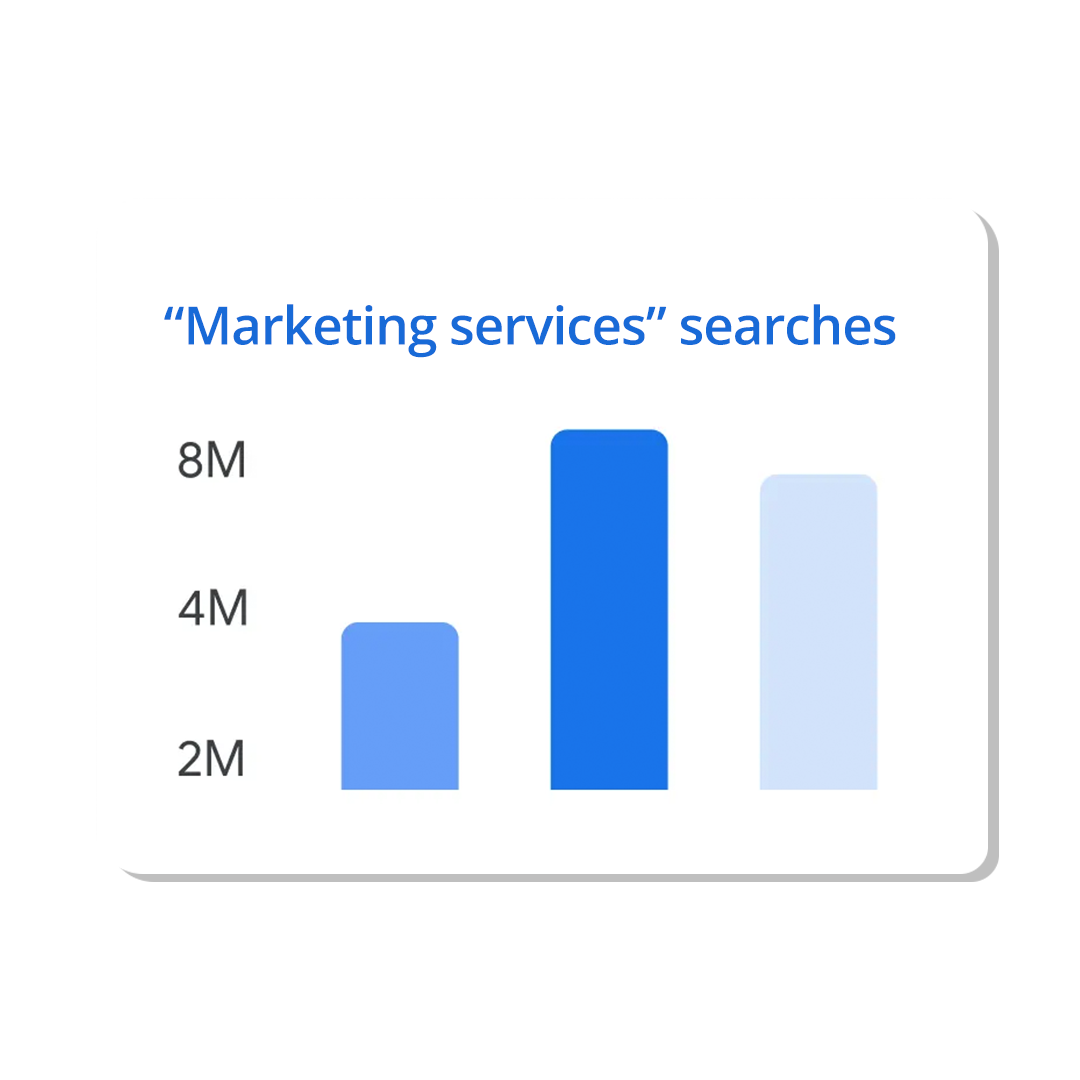
Precision Keyword Research for Maximum Impact
Target the Right Keywords to Reach Your Audience
We identify the most relevant and high-performing keywords for your business. This ensures your ads and content reach the audience most likely to convert.
Compelling Ad Creation That Captivates and Converts
Crafting Ads That Drive Clicks and Conversions
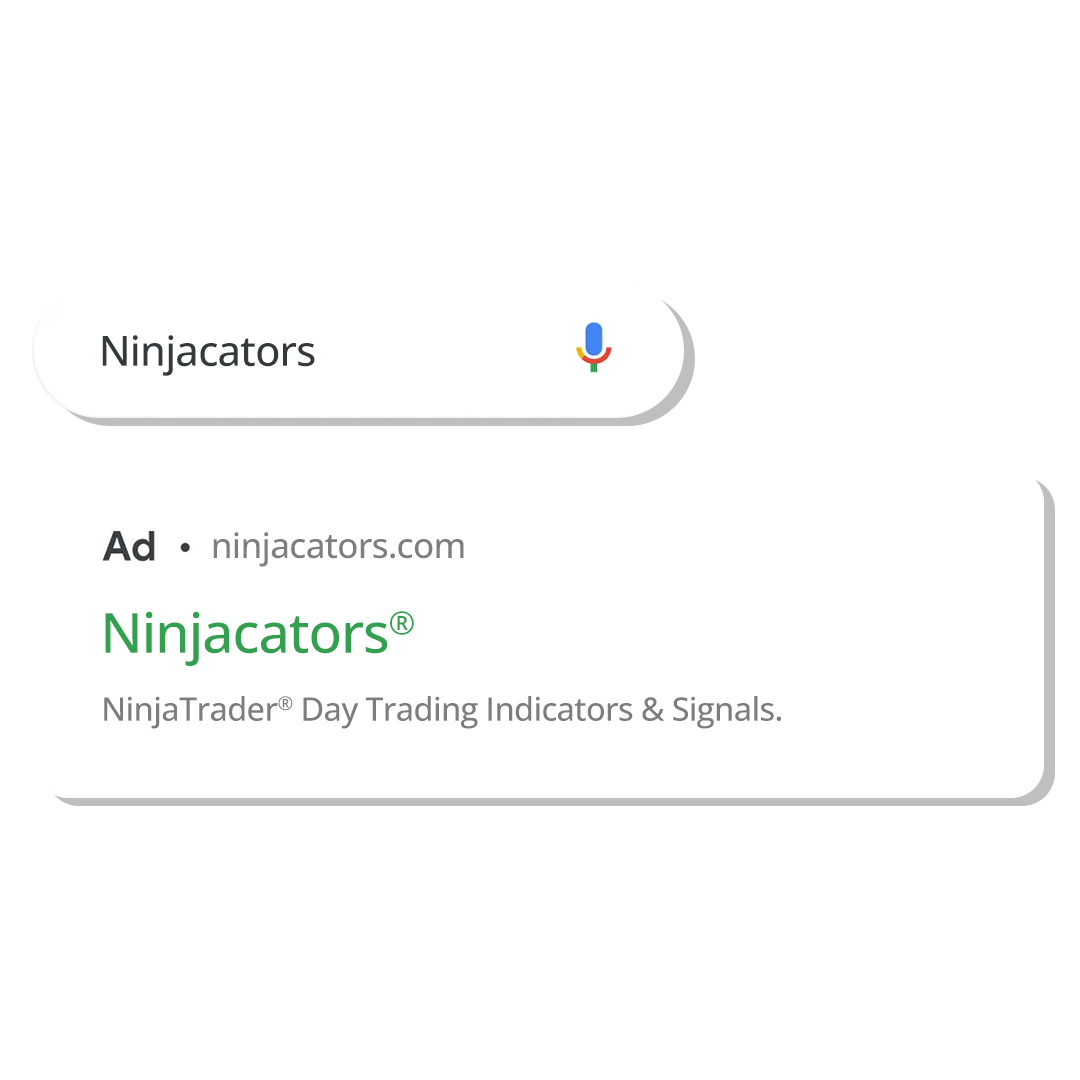
Our team designs visually stunning and persuasive ads. Each ad is crafted with clear copy and a strong call to action.
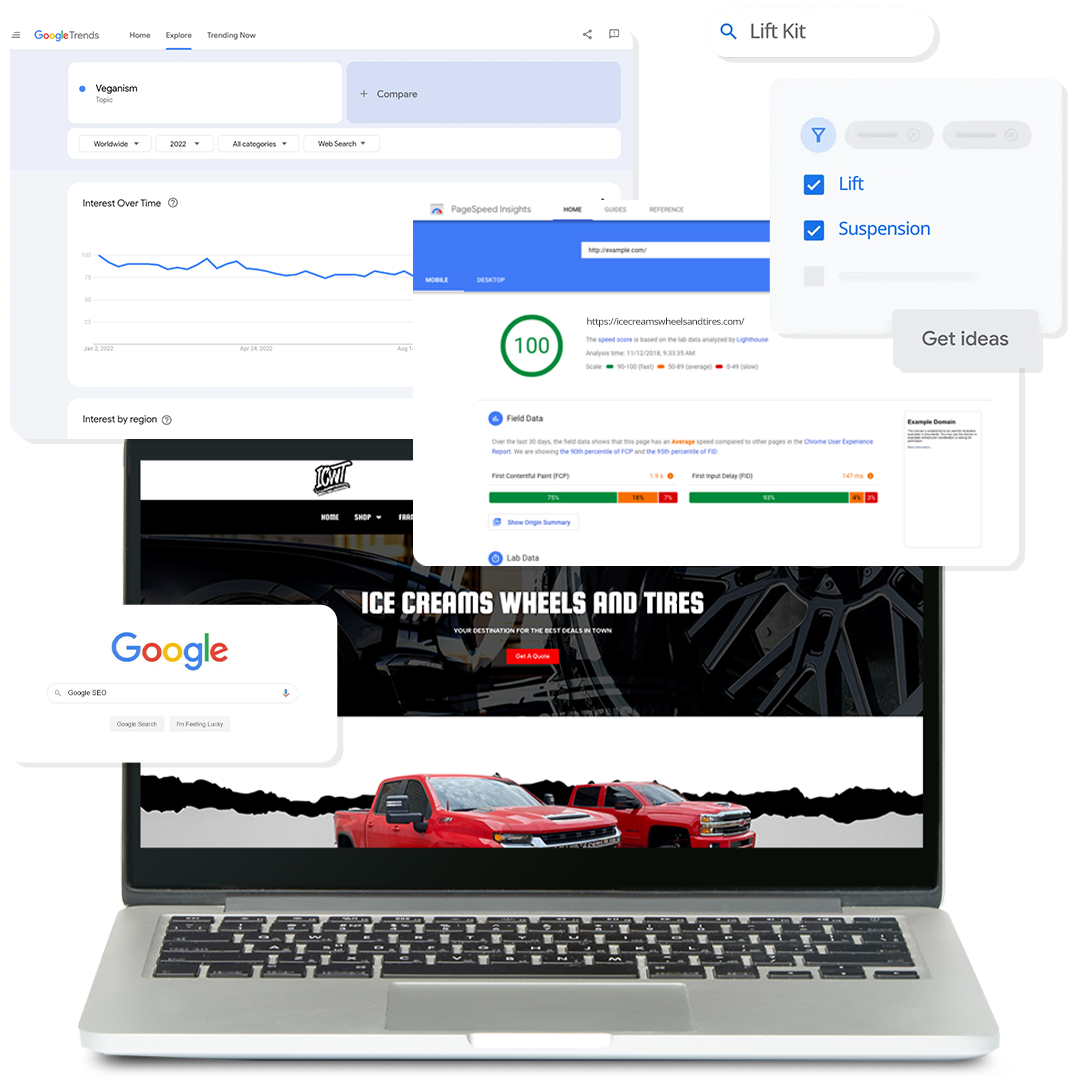
On-Page SEO Optimization for Higher Rankings
Enhance Your Website’s Visibility and User Experience
We optimize your website’s on-page elements to improve search engine rankings. Our strategies ensure your site is discoverable and engaging.
Advanced Analytics for Data-Driven Decisions
Comprehensive Reporting to Track Your Success
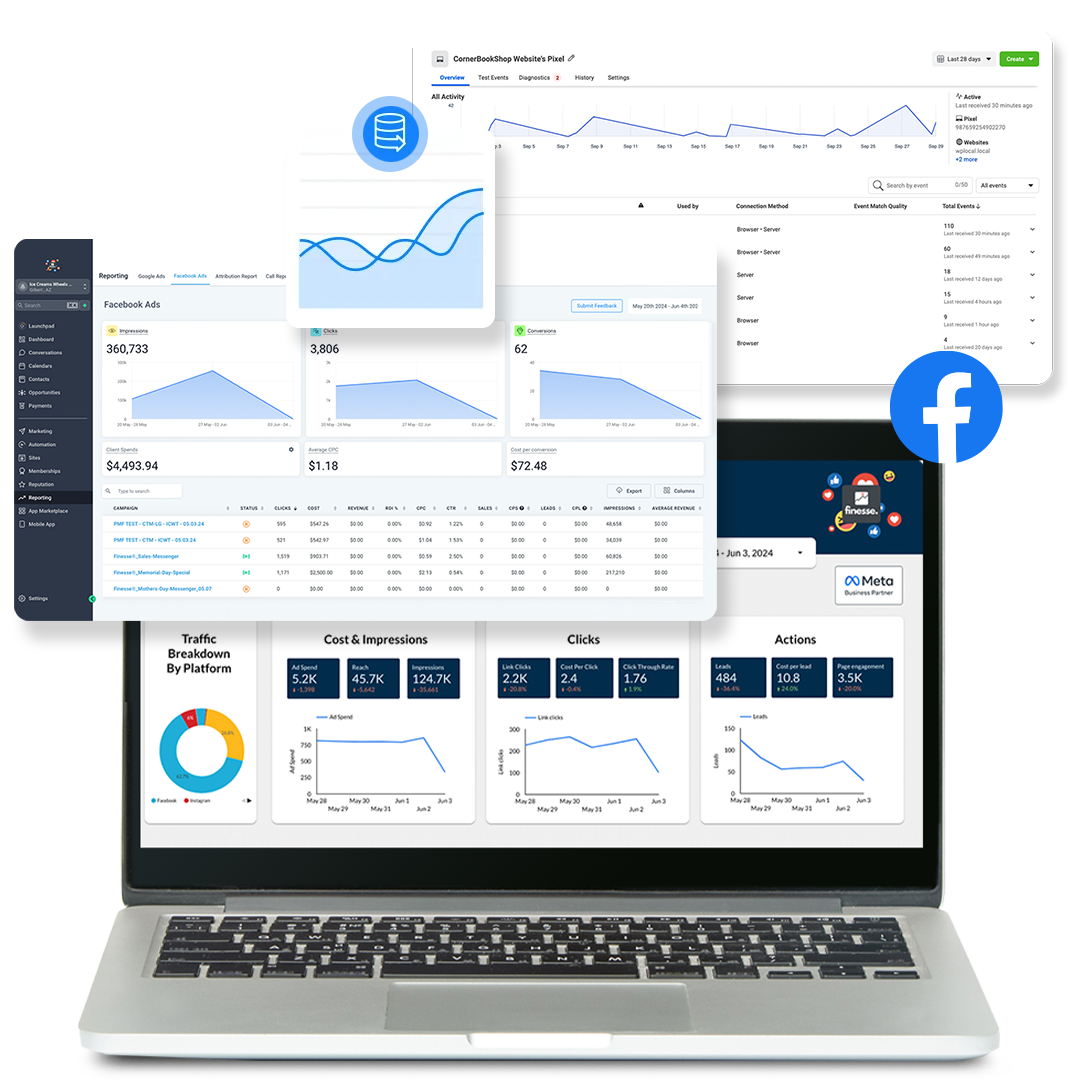
Gain deep insights into your campaign performance with our analytics tools. Our reports provide a clear view of key metrics for informed decisions.
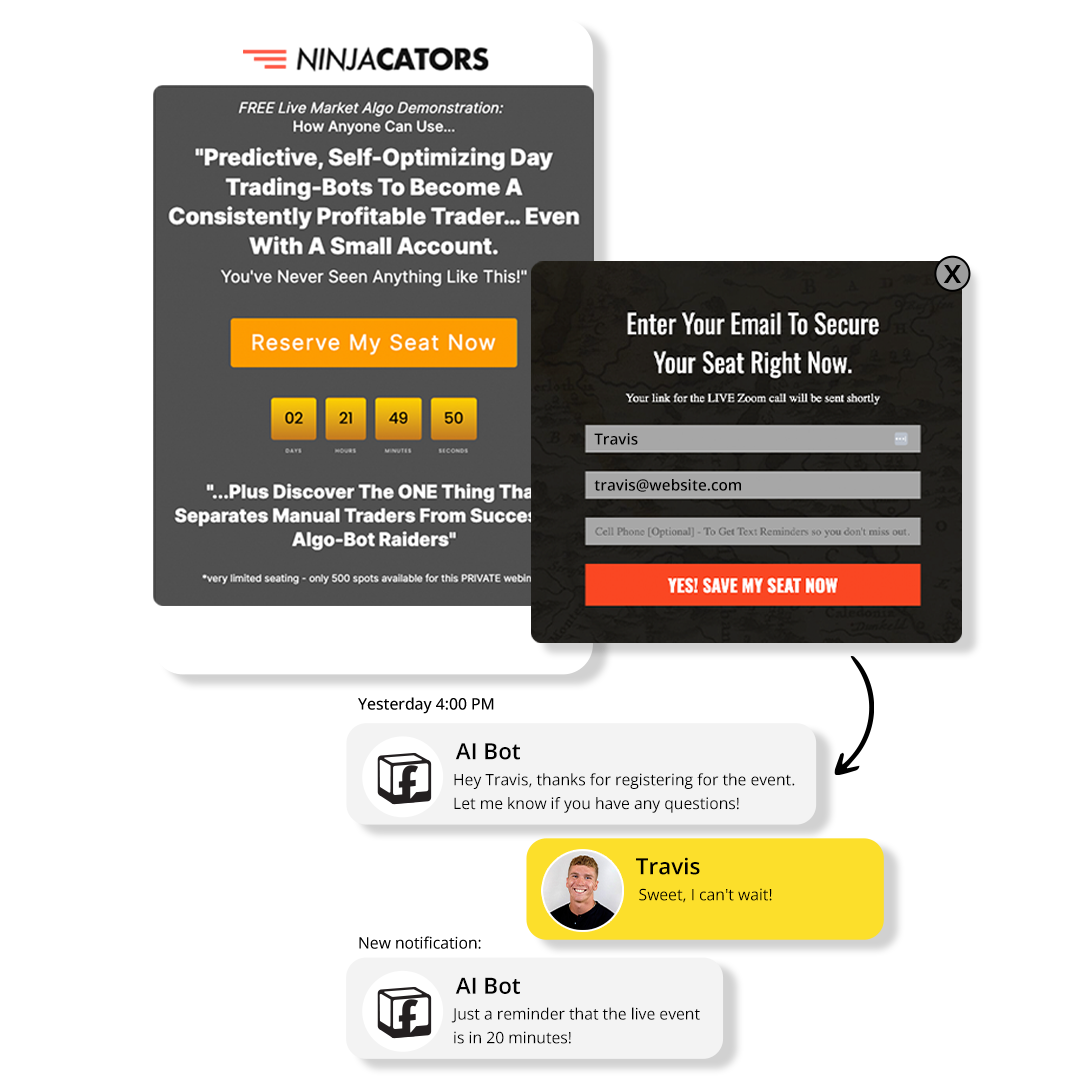
Seamless CRM Integration
Streamline Your Marketing and Sales Processes
We acquire high-quality backlinks from reputable sources. This enhances your site’s authority and improves search engine rankings.
Still got questions?
Frequently Asked Questions
What platforms do you specialize in for Google advertising?
We specialize in Google Ads, including Search, Display, Google My Business, Shopping, and YouTube ads. We tailor our strategies to the businesses goals.
How do you measure the success of Google Ads and SEO campaigns?
We measure success through key performance indicators (KPIs) such as impressions, click-through rates, conversions, and return on ad spend (ROAS). Our advanced tracking tools provide detailed reports to help you understand the impact of your campaigns.
What kind of content do you create for Google Ads?
Our team designs visually stunning ads with clear, compelling copy and strong calls to action. We create a variety of content types such as text ads, display ads, video ads, and shopping ads to capture your audience's attention and drive conversions.
How do you ensure my SEO strategy is effective?
We use a combination of on-page and off-page SEO techniques, including keyword optimization, content creation, technical SEO, and link building. Our continuous monitoring and optimization ensure your SEO strategy remains effective and up-to-date with search engine algorithms. This landing page structure ensures that each section is clear, engaging, and informative, with visuals that complement the text and enhance the overall user experience.

How to Drive More Sales with Facebook Catalog Management: A Step-by-Step Guide
Maximizing Sales with Facebook Catalog Management: The Ultimate Guide
Facebook has become a powerful tool for businesses to showcase and sell their products. One of the most effective features for e-commerce is Facebook Catalog Management, which allows you to organize your inventory, automate ads, and personalize shopping experiences. In this guide, we’ll walk you through actionable steps to use Facebook Catalog Management effectively to boost sales.
What Is Facebook Catalog Management?
Facebook Catalog Management is a tool that enables businesses to upload and manage their product listings. It integrates seamlessly with Facebook Ads, Facebook Shops, and Instagram Shopping. With the catalog in place, you can run Dynamic Product Ads, which automatically showcase the right product to the right customer.
Why Use Facebook Catalog Management?
Personalized Shopping Experiences
Facebook’s advanced algorithms allow you to show specific products to users based on their interests, browsing behavior, and past purchases.Dynamic Ads Integration
With dynamic ads, you can automatically target users who have interacted with your website or app, increasing the chances of conversion.Time-Saving Automation
Automating product updates ensures your catalog always reflects the latest inventory, saving time and reducing errors.Increased Reach
Facebook connects your products with billions of users, offering unparalleled exposure for your business.
How to Set Up Facebook Catalog Management
Step 1: Create Your Product Catalog
Log in to Facebook Business Manager and navigate to “Commerce Manager.”
Click on “Create Catalog” and select your catalog type (e-commerce, travel, real estate, etc.).
Upload your product data via a file, your website, or an e-commerce platform like Shopify.
Step 2: Optimize Your Product Listings
Use high-quality images for each product.
Write detailed descriptions with keywords like "Facebook catalog sales," "optimize Facebook catalog," and "dynamic product ads."
Add correct pricing, inventory details, and categories to make products easier to find.
Step 3: Link Your Facebook Pixel
Install Facebook Pixel on your website to track user behavior.
Ensure your pixel is connected to your product catalog for dynamic ad retargeting.
Step 4: Set Up Dynamic Ads
Create a dynamic ad template that automatically pulls products from your catalog.
Use personalized headlines and descriptions to grab attention.
Enable retargeting to show products to people who viewed them but didn’t purchase.
Best Practices for Facebook Catalog Management
Regular Updates
Ensure your product catalog is always up to date with current inventory and prices to avoid customer dissatisfaction.Segment Your Catalog
Group products into categories (e.g., "Best Sellers," "New Arrivals") to make it easier to run targeted ad campaigns.Leverage Product Sets
Create product sets based on user behavior, such as "Viewed but not purchased," to target specific audiences.Use High-Quality Visuals
Clear, professional images increase user trust and encourage purchases.Analyze Performance
Use Facebook’s analytics tools to monitor the performance of your catalog and ads. Optimize based on key metrics like click-through rates and conversions.
How Facebook Catalog Management Boosts Sales
Enhanced Personalization: Tailor product recommendations to specific user preferences.
Improved Ad Efficiency: Use automation to reduce manual work while increasing ad performance.
Broader Audience Reach: Gain access to new audiences via retargeting and lookalike audiences.
Conclusion
Facebook Catalog Management is a game-changer for businesses looking to drive more sales. By organizing your inventory, utilizing dynamic ads, and optimizing your product listings, you can create a seamless shopping experience that converts visitors into customers. Implement the strategies shared above to see tangible results and make the most of this powerful tool.
How Ads with Finesse Can Help You
At Ads with Finesse, we specialize in crafting ad campaigns that highlight the best customer experiences, ensuring your audience connects with your brand on an emotional level. Our team carefully selects authentic, high-impact reviews and seamlessly integrates them into your ad strategy.
Learn more about our services today and turn you Facebook Catalog Management into your most powerful marketing tool with Ads with Finesse.
Let’s create ads that resonate, convert, and build trust.
Check out our blog and services at adswithfinesse.com.


© 2025 Ads with Finesse | Terms & Conditions | Privacy Policy
Ads With Finesse continually stays up to date with Meta & Google marketing changes related to policies, tools, products and more.


